
NIMBUS
BlackRainbow Design & Build off the shelf and bespoke software solutions for the Security Industry. Trusted Advisors to Corporate and Government sectors leading the way in Intelligence Generation, Case Management and Orchestration.
Related products

Description
NIMBUS is the next generation Investigations Management System specifically designed for forensic, investigation and intelligence divisions. It is scalable from a small on-premise environment to a large enterprise level deployment operating in a cloud or highly secured network environment. NIMBUS modules are integrated making it easy for all stakeholders to work in a familiar setting to create and manage multiple investigations. NIMBUS’ dynamic user experience and interaction is flexible and configurable, to build and shape to the current or future working practices of the organization.
The following touch, feel and functionality is available through all the core modules of Case and Quality Management:
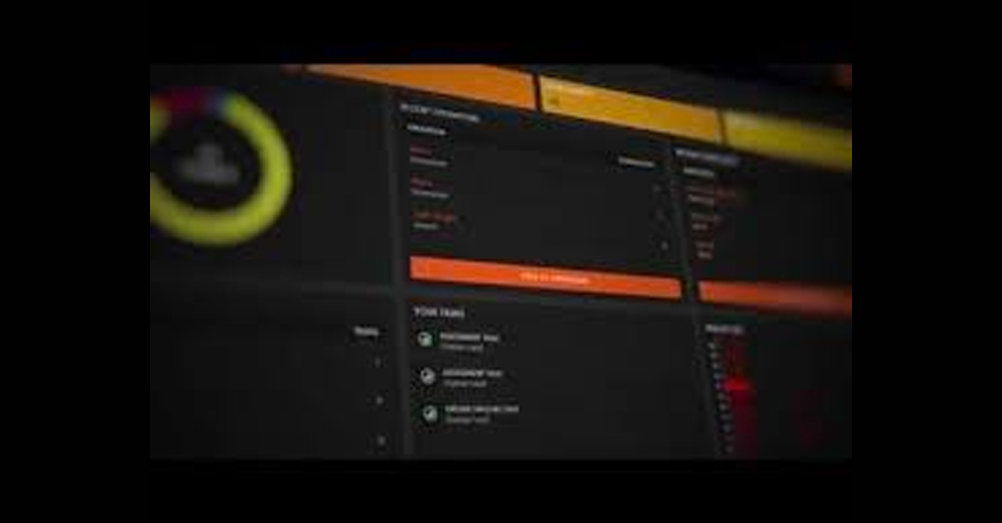
Dynamic User experience & interaction
- One touch design, multiple themes and languages
- Specific Dashboards to cover any role: country manager, lab manager, investigator or analyst
- Touch screen enabled
Simple, highly customizable workflows for Digital and Traditional Forensics
- Design and build tasks into workflows
- Map digital and investigation workflow into technology
- Build template simple design or complex workflow
- Orchestrate all workflows to work with your 3rd party applications such as Cellebrite, Nuix, Encase, FTK, Griffeye or any other digital forensic technology with an open API or command line.
- Repeatable, auditable and defensible working
Evidence submission and tracking
- End to end detailed exhibit submission capability and tracking
- Ticketing & Tasking
- Controlled exhibit handling, continuity, bulk handling and auditing
Control and administration
- Unlimited role settings on a very granular level
- AD, LDAP or manual integration
- Allow access to different capability in the solution Case Management, Orchestration, QMS, Ticketing & Tasking – Allow regional settings between offices
- Simple administration
Case Notation & Reporting
- Enter case notes at any screen
- Copy and paste external files, drag and drop, upload and screen grab to enter ready for reporting
- Create flexible or template reports
- Filter case notes by person, keyword, exhibit etc.
- Export case notes into reports by bulk or individual selection
- Combine multiple reports into one editable report
Location (including GEO)
- Geo location for exhibit seizures
- Find addresses by postcode or quick ref
- Pin drop for exhibits found in location without address
- Search across cases for exhibits found in surrounding area
- Operational analytics on geo location activity
Operational Graphing Analytics
- Graphing to give operational overview
- Instant visibility into the Operation
- Can be designed to graph any content of the CMO
DF Application Environment Monitoring
- Monitoring of 3rd party applications
- Continuous feed
- Error log parsing of 3rd party application to alert users
- Monitoring of Hardware performance
- Monitoring of hardware and application error logs.