

Kinesense DEM
Easy sharing and access to digital evidence
Related products



Description
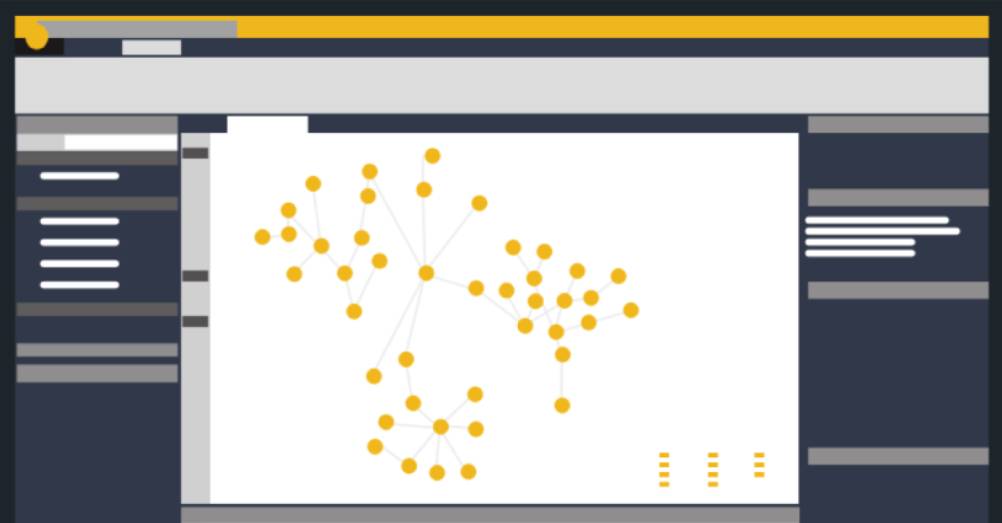
Kinesense’s Digital Evidence Management (DEM) solution for police is designed to make assets and evidence management even easier; but what makes the Kinesense DEM unique is that in addition to storing and securing all digital files and formats, including documents, audio and images, it is specifically designed to efficiently support video, well known for being cumbersome to manage. Securely store and quickly retrieve important assets including video evidence from CCTV, mobile phones or body worn cameras. Eliminate investigation delays and costs associated with the physical transfer of data between colleagues and the prosecution service.
- Eliminate the costly physical transfer of assets and evidence – With the Kinesense DEM solution, users can import and upload digital media to a case, add a reference to a case and share with colleagues and prosecutors alike. Users can log on to the system to search for videos using key metadata tags.
- Easier collaboration – Users can review uploaded assets, bookmark key sections of videos and assign tasks or request feedback from colleagues. The solution logs all users’ actions, administrative rights and permissions and also enables assets to be accessed or shared on a restricted or open basis.
- Securely archive digital data – We have built the solution so that it can be hosted on the cloud or upon request, on-premise. Being delivered as a Software as a Service (SaaS) solution means that the cost of entry is not prohibitive, you can scale it flexibly and securely in your organisation. Most importantly, all assets including video are tracked and any actions taken by personnel are logged ensuring a complete evidential trial.
Key Features:
Retrieve
- Ingest different types of digital data
- Integrate with Kinesense LE for redaction, automatic video searching and advanced reporting
- Tag evidence with appropriate metadata
- Ensure chain of evidence processes.
Review
- Apply permissions based on roles
- Search by asset type or metadata to retrieve assets quickly
- Play video frame by frame
- Bookmark and tag key events in video.
Report
- Extract a clip from a video
- Request tasks from colleagues
- Export, email or share a link to an asset
- Review usage statistics including asset, personnel and storage logs.
Technical Specifications:
- Support file size: Up to 5TB
- Supported formats: Word, Excel, pdf, standard image, audio and video formats
- Client: Browser based solution
- Supported browsers: Edge, Chrome, Firefox, Safari
- Supported devices: Mobile, tablet, desktop, large screen
- Deployment options: Cloud (AWS/ Azure), on premise upon request
- Integration options: Use with Kinesense LE solution range, full API available for other integrations.
About Kinesense
In 2009, Mark and Sarah set out to solve a needle in a haystack problem: how to find critical evidence hidden in thousands of hours of video. The time and effort required to retrieve, view, analyse and report on video footage as evidence is a huge drain on resources. CCTV needed a new strategy, a new model and new tools. Kinesense was born to help get actionable intelligence from video faster.